Usage
This section provides an overview of how to use the ‘deeplogs’ library.
Setup & Imports
Import the library.
import deeplogs as dpl
You can define a dictionary that contains the configuration of your model.
model_hyperparam = {
    "version": 4,
    "epoch": 1,
    "batch_size": 128,
    "lr": 1e-3,

    "x_shape": (512,512),
    "y_shape": (10,),
    "nb_layers": 8,
}
- The Logger here takes in three arguments:
a string containing a run name
a description of the run
and the configuration dictionary created earlier
logger = dpl.Logger(
    "v" + str(model_hyperparam["version"]),
    "A description of the run",
    model_hyperparam,
)
Implementation
In this illustrative code, model performance is generated randomly, and the outcomes are meticulously logged.
During each epoch and batch iteration, the “logs” dictionary is continuously updated with important metrics such as “acc”, “loss”, “val_acc”, and “val_loss”.
These results are subsequently saved using the ‘logger.scalar()’ method. Finally, we use the flush method to save the latest logs immediately.
model_perf = random()
for epoch in range(model_hyperparam["epoch"]):
    size = 1000
    for batch in dpl.Bar(logger, f"Epoch {epoch+1}")(range(size)):
        logs = {}

        logs["acc"] = log(batch+1) * model_perf
        logs["loss"] = size/exp((batch+1)/size) * model_perf
        logs["val_acc"] = log(batch+1) * model_perf
        logs["val_loss"] = size/exp((batch+1)/size) * model_perf

        timestep = epoch + (batch/size)
        logger.scalar(timestep, **logs)

        sleep(0.005)
logger.flush()
>>> Epoch 1: 100%|██████████| 1000/1000 [0:00:05<0:00:00, 196.82it/s] acc: 1.761 | loss: 93.771 | val_acc: 1.761 | val_loss: 93.7711
That’s all you need to integrate into your model’s learning loop to get data and monitor your model.
Results
Scalars
Create the reader
reader = dpl.Reader()
Display information about the runs.
reader.infos()
name |
description |
version |
epoch |
batch_size |
lr |
x_shape |
y_shape |
nb_layers |
|---|---|---|---|---|---|---|---|---|
v1 |
A description of the run |
1 |
1 |
128 |
0.001 |
(512, 512) |
(10,) |
8 |
v2 |
A description of the run |
2 |
1 |
128 |
0.001 |
(512, 512) |
(10,) |
8 |
Display a summary of the metrics used during the training of your model.
reader.describe()
name |
description |
acc |
loss |
val_acc |
val_loss |
|---|---|---|---|---|---|
v4 |
count |
5000.000000 |
5000.000000 |
5000.000000 |
5000.000000 |
mean |
1.950368 |
208.427719 |
1.950368 |
208.427719 |
|
std |
1.308797 |
151.283633 |
1.308797 |
151.283633 |
|
min |
0.000000 |
40.007505 |
0.000000 |
40.007505 |
|
25% |
0.741063 |
81.293497 |
0.741063 |
81.293497 |
|
50% |
1.568038 |
154.525183 |
1.568038 |
154.525183 |
|
75% |
3.333099 |
308.287299 |
3.333099 |
308.287299 |
|
90% |
3.908165 |
448.516692 |
3.908165 |
448.516692 |
|
max |
4.343923 |
628.218730 |
4.343923 |
628.218730 |
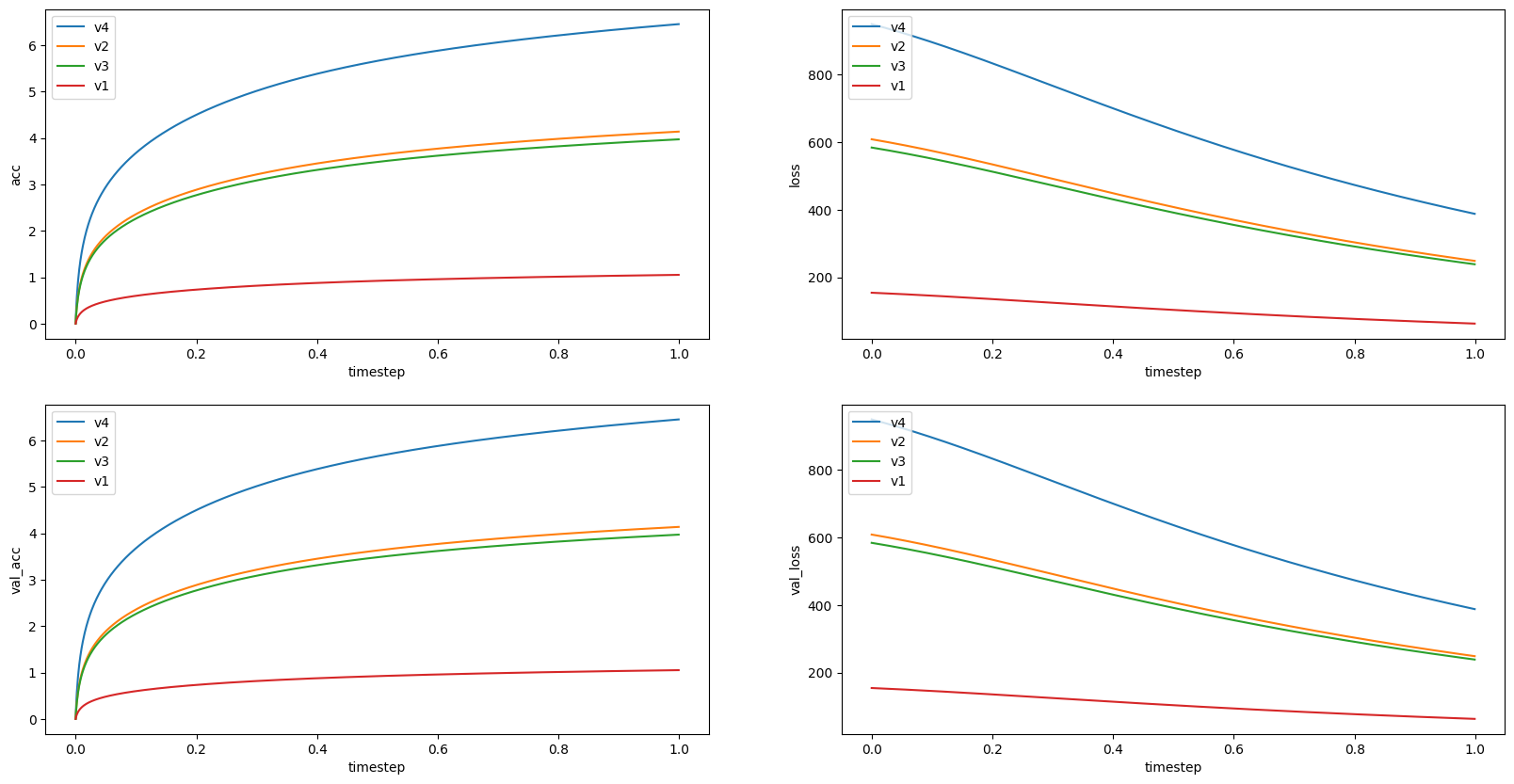
Display scalar data using Matplotlib.
reader.scalar(using="matplotlib")
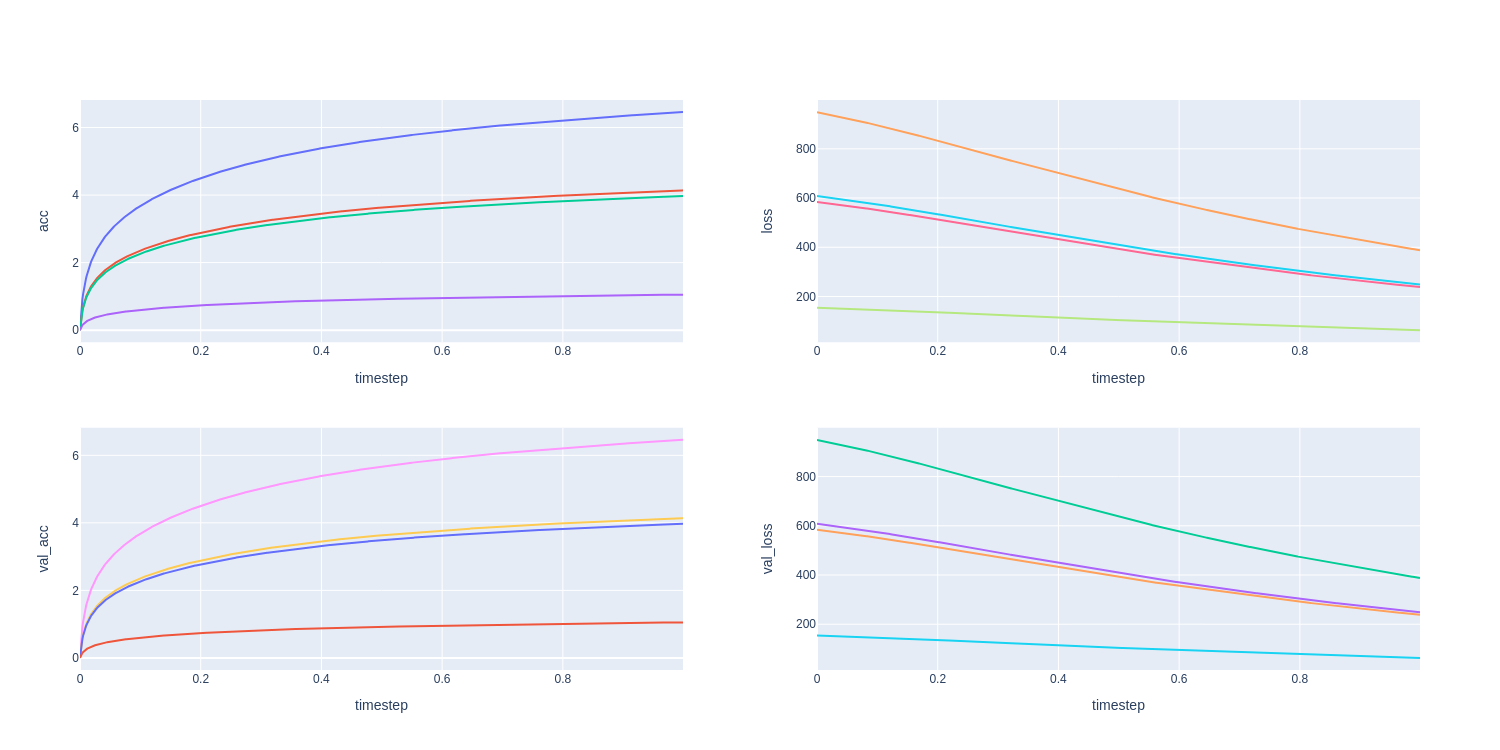
Display scalar data using Plotly.
reader.scalar(using="plotly")
Images
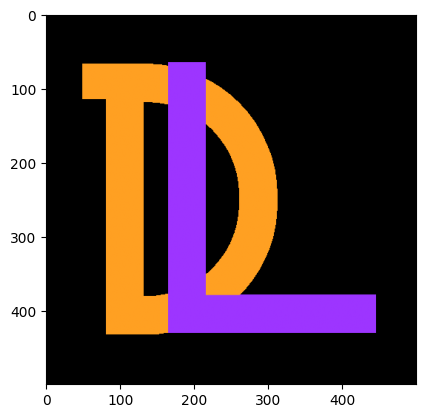
To demonstrate image handling, we start by opening an example image and converting it into a NumPy array.
img = np.asarray(Image.open("../assets/logo.png"))[:,:,:3] / 255
fig = plt.imshow(img)
Next, we perform various transformations on the image to explore its dimensions and formats.
img1 = img
img2 = img.transpose(2,0,1)
img3 = img.transpose(2,0,1)[None].repeat(16,0)
img4 = img.transpose(2,0,1)[None].repeat(128,0)
img5 = img[:,:,0]
For the original image, the dimensions are (height, width, color), i.e., (500, 500, 3).
>>> img1.shape (500, 500, 3) # (height, width, color)
o log this image, the “HWC” format should be used.
logger.image(12, img1, "image1", "HWC")

>>> img2.shape (3, 500, 500) # (color, height, width)
logger.image(1, img2, "image2", "CHW")

When multiple images are provided in a batch, the method creates a single grid-like image.
>>> img3.shape (16, 3, 500, 500) # (batch, color, height, width)
logger.image(0.001, img3, "image3", "NCHW")
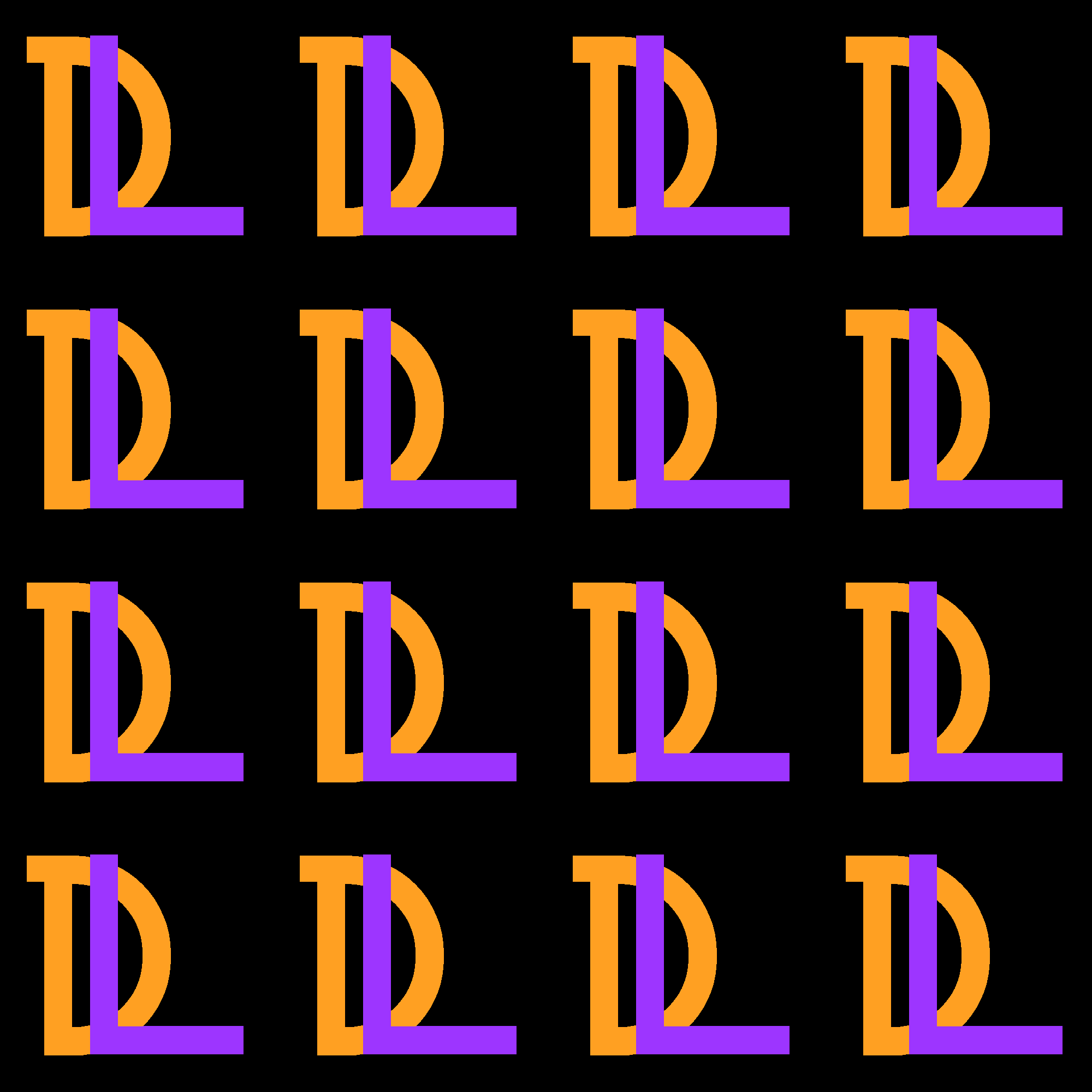
To log this batched image, the “NCHW” format is required.
>>> img4.shape (128, 3, 500, 500) # (batch, color, height, width)
logger.image(0.9, img4, "image4", "NCHW")
Even if the image has no color dimension, the method saves the image as grayscale with dimensions (height, width), i.e., (500, 500)
>>> img5.shape (500, 500) # (height, width)
logger.image(0., img5, "image5", "HW")